
Product support
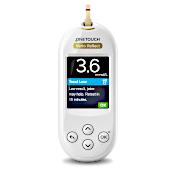
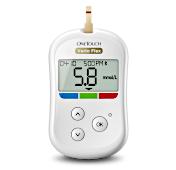
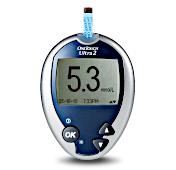
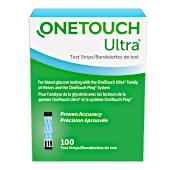
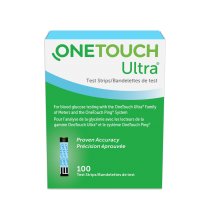
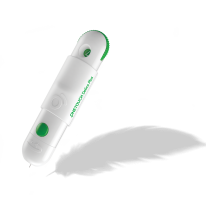
Whether you’re looking for our blood glucose meters, test strips or lancets, we’ve got what you need to help you manage your diabetes.
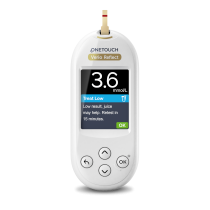
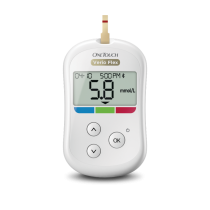
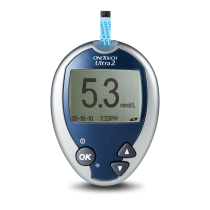
Haven’t registered your meter yet?
By registering your meter, we can provide you with ongoing support to help you manage your diabetes. Just click "Register now" below and fill in the form to complete your registration.
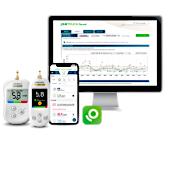
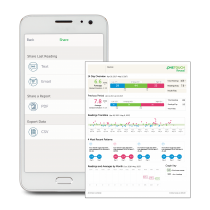
Software and apps
Got a question?
We’ve put together a list of some of our most frequently asked questions. So if you have a question, have a look here first. If you can’t find the answer you’re looking for - please just give us a call and we'll be happy to help!
How to contact us
Chat with us
Get support via Live Chat during our
regular business hours:
Available from:
Monday to Friday
9.00 a.m.- 7.00 p.m. (ET)

Send us an E-Mail
Do you have any questions or do you need support?
Contact us at: Contact@onetouch.ca

If you need additional support, call 1-800-663-5521
CA-OTB-2000013
