
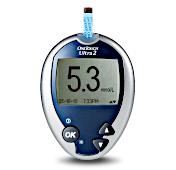


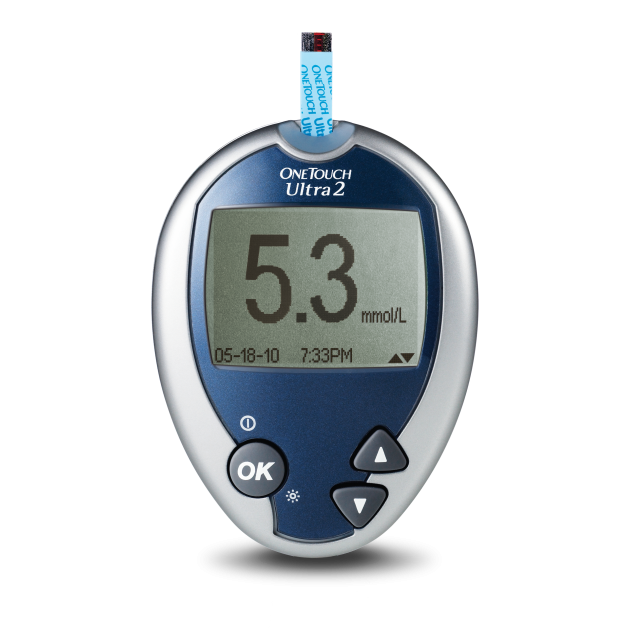

OneTouch Ultra®2 meter
-
Easy to use
-
Easy to turn on meal flags, when ready
-
Mark results as before or after a meal
-
On-screen before and after meal average

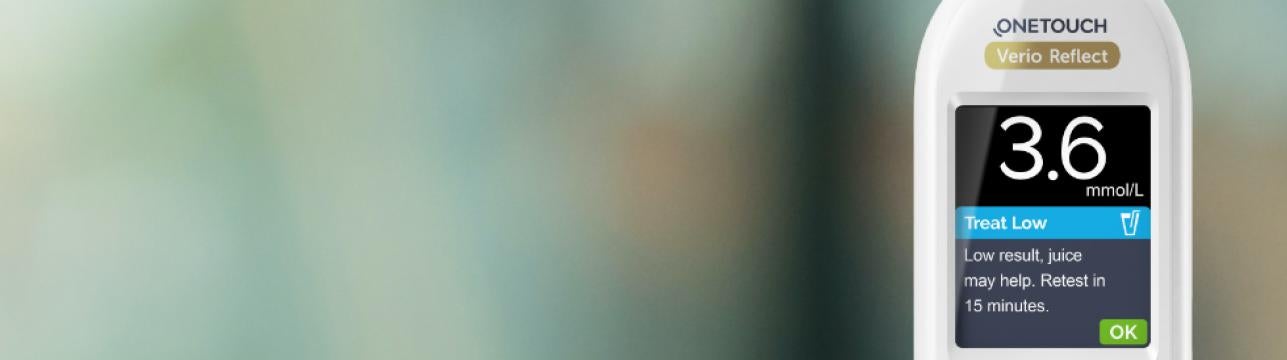
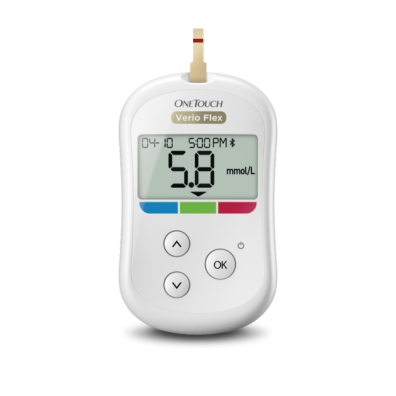
Have you heard about our OneTouch Verio® brand meters with ColourSure® technology, to instantly show when blood glucose results are in or out of range? Check out OneTouch Verio Flex® and OneTouch Verio Reflect® or ask your healthcare professional for more information.
Frequently Asked Questions
Before using the OneTouch Ultra®2 meter to test your blood glucose, carefully read the Owner`s Booklet and inserts that come with the components of the system.
To perform a test, insert a test strip as far as it will go. The meter will briefly perform system checks, then the display will turn on.
To access MAIN MENU, with the meter turned off, press and hold OK for two seconds.
Check that the screen shows solid black for two seconds. If it does, the display is working properly.
If the meter does not power on, try changing the meter battery.
CAUTION: If you see any light areas within the black start-up screen, there may be a problem with the meter. Contact Customer Care at 1-800-663-5521.
Code numbers are used to calibrate your meter with the test strips you are using to obtain accurate blood sugar results. The OneTouch Ultra®2 meter and OneTouch Ultra® Test Strips are factory pre-set to Code 25. Each time you test, simply confirm the code on the meter and code on the test strip vial match (25) and start testing.
Your OneTouch Ultra®2 meter uses two 3.0 volt CR 2032 lithium batteries (or equivalent). Your meter comes with 2 batteries already installed—1 that powers the meter only and 1 that powers the backlight.
When the OneTouch Ultra®2 meter is already on, press and hold OK for 2 seconds to turn the backlight on or off.
The meter stores your most recent 500-blood glucose and control solution test results and displays them in the order the tests were taken.
If you have just completed a test, press OK to get to the MAIN MENU screen. If your meter is off, press OK and hold to turn it on. From the MAIN MENU screen you can choose LAST RESULT, ALL RESULTS, or RESULT AVG. See your User Guide for complete instructions.
Need more answers not related to this specific product?
Learn more on the FAQ section of the website!
What's in the Box
Included in every box:
OneTouch Ultra®2 meter (batteries included)
Related Products

CA-OU2-2000003

